How to Detect Deepfake Videos Online for Free
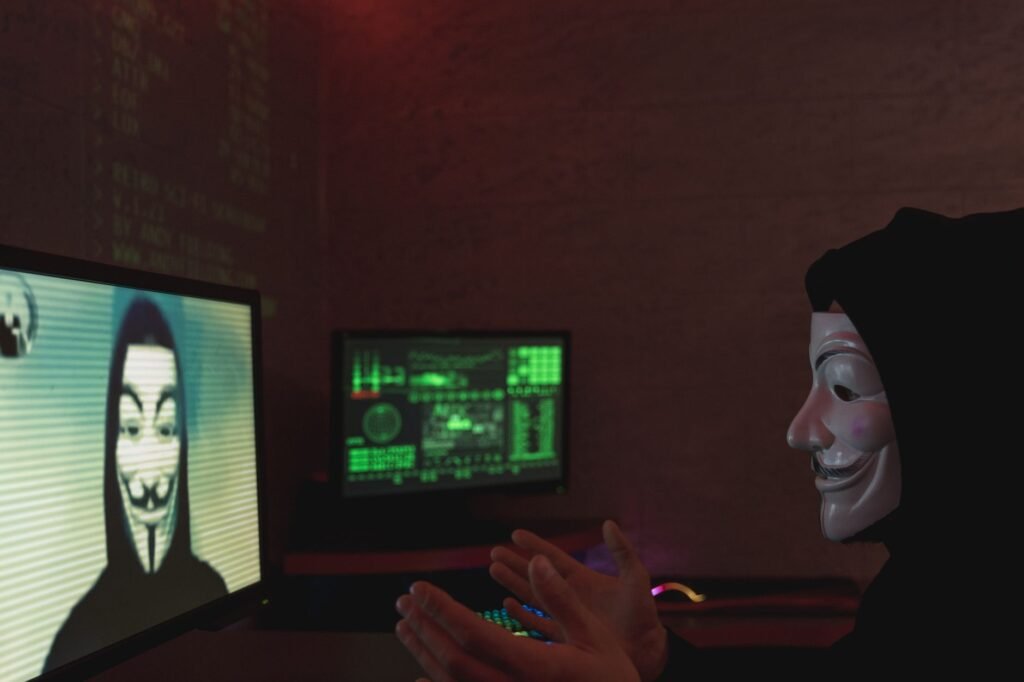
Introduction to the Deepfake Era
In today’s digital landscape, artificial intelligence has made creating hyper-realistic synthetic media astonishingly easy. While AI-generated video and audio offer incredible opportunities for entertainment and productivity, they also pose severe challenges regarding misinformation, fraud, and identity theft. Knowing how to detect deepfake videos online for free is no longer just a technical hobby—it is an essential digital literacy skill.
As we navigate through 2026, deepfake technology has evolved beyond obvious glitches and unnatural blinking. Modern generative models produce remarkably smooth results, making manual inspection harder than ever. However, algorithms still leave digital fingerprints, and a combination of trained human observation and specialized free tools can help you separate truth from synthetic fiction.
Understanding What Deepfakes Are
Before diving into detection techniques, it helps to understand what you are looking for. A deepfake is a piece of media—most commonly video—where a person in an existing image or video is replaced with someone else’s likeness using artificial neural networks. Technologies like Generative Adversarial Networks (GANs) and advanced diffusion models have democratized this capability, allowing bad actors to fabricate speeches, reactions, and events that never actually occurred.
Manual Telltale Signs: What to Look For
Even the most advanced deepfakes often struggle with consistency across complex physical interactions and lighting environments. When watching suspicious footage, keep an eye out for these common visual anomalies:
- Unnatural Blinking or Lack Thereof: Early deepfakes notoriously forgot to blink naturally. While newer models have improved, erratic or absent blinking remains a strong red flag.
- Lighting and Shadow Inconsistencies: Check if the lighting on the subject’s face matches the surrounding environment. Mismatched shadows or reflections in the eyes often reveal pasted-on faces.
- Blending Artifacts Around Edges: Look closely at the hairline, jawline, and ears. Blurry edges or pixelation where the face meets the neck can indicate digital manipulation.
- Audio-Visual Mismatches: Lip synchronization issues are common in rushed deepfakes. Furthermore, listen for robotic or unnatural cadence in the voice, which might indicate voice cloning.
Free Tools and Technologies for Deepfake Detection
When human eyes aren’t enough, you can leverage advanced platforms and standards designed to verify media authenticity. Industry standards like C2PA are increasingly adopted to provide cryptographic provenance for authentic media, letting you trace where a video came from.
Additionally, platforms such as Reality Defender offer powerful capabilities to analyze suspect files and determine their likelihood of being AI-generated.
Step-by-Step Guide to Verifying a Video
If you encounter a viral video that seems too wild to be true, follow this simple workflow before sharing or reacting to it:
- Pause and Analyze Visually: Scan the face, hair, and background for warping, flickering, or lighting glitches.
- Check the Source: Look for reporting from mainstream, trusted news organizations. If a major political figure or celebrity did something groundbreaking, it would be everywhere.
- Use Free Verification Platforms: Run the video file or URL through available forensic detectors to check for synthetic signatures.
- Look for Provenance Metadata: Check if the file contains embedded content credentials indicating its origin and editing history.
Conclusion
The proliferation of synthetic media means we must all adopt a healthy skepticism toward online video content. By combining sharp visual observation with powerful, accessible digital verification tools, you can protect yourself and your community from misinformation. Stay informed, check your sources, and always verify before you trust.
Put it to the test
Have a video you are unsure about? Scan it free — right in your browser.
⚡ Scan a Video Now