How to Spot AI-Generated Videos: 7 Signs That Work in 2026
How to Spot AI-Generated Videos: 7 Signs That Actually Work in 2026
AI-generated video in 2026 is uncomfortably good. The warped faces and melting hands that gave away early deepfakes are mostly gone, replaced by footage with realistic lighting, coherent motion, and even synchronized dialogue. Researchers at UCLA recently demonstrated an optical-neural processor that detects AI-generated video with 97.79% accuracy — a telling sign of the times: we now need light-powered supercomputing to reliably tell real from synthetic.
Most of us don’t have a lab. But you don’t need one. Between careful observation, platform labeling systems, and free detection tools, anyone can get dramatically better at spotting AI video. Here are seven signs that actually work — plus what to do when your eyes aren’t enough.
The 7 Signs of AI-Generated Video
1. Physics That Feels Wrong
Watch how things move, collide, and fall. AI models still stumble on cause and effect: liquid pours at impossible angles, objects pass through each other, shadows detach from the things casting them. If a bouncing ball doesn’t bounce right, trust the unease.
2. Faces and Hands Glitch Under Motion
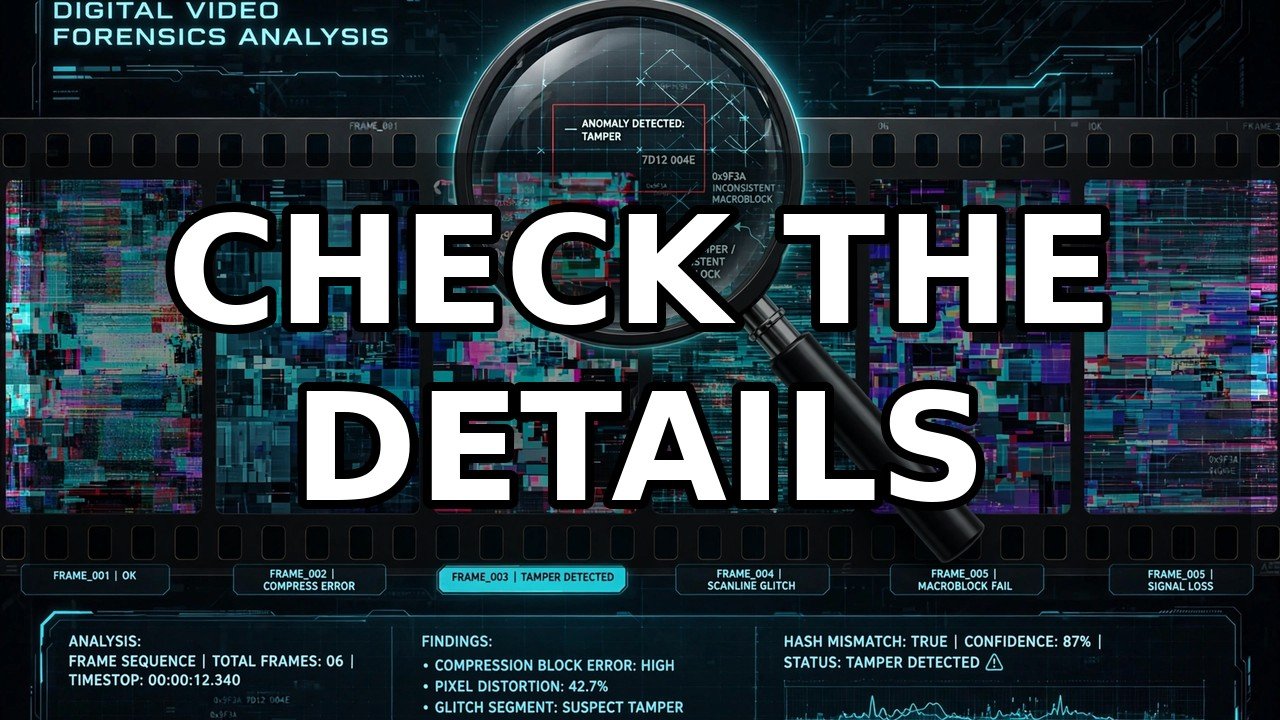
Still frames can look flawless; motion is where models struggle. Watch faces during head turns — features may smear or briefly rearrange. Hands remain the classic tell: fingers merge or bend in ways anatomy doesn’t allow, especially when interacting with objects. Slow the video down if you can; artifacts love speed.
3. Lip-Sync and Audio Drift
Watch whether lip movements precisely match speech, particularly on plosive sounds like B, P, and M. Listen for ambient sound that doesn’t fit the scene. Audio-visual mismatch is one of the most reliable indicators.
4. Backgrounds That Morph
Lock your eyes on the background, not the subject. AI video frequently lets distant details shift between frames: text on signs scrambles, architectural lines wobble, crowds rearrange themselves impossibly.
5. Skin and Textures Too Perfect
Real camera footage has noise, grain, and imperfection. AI-generated people often have suspiciously smooth, poreless skin and fabrics without natural weave. When everything looks like a beauty filter set to maximum, that’s generation.
6. Lighting That Doesn’t Match
Check whether light behaves consistently. Does the subject’s face show warm sunlight while the background suggests overcast shade? Lighting coherence across a whole frame is computationally expensive to fake.
7. No Verifiable Source or Provenance
The strongest signal isn’t visual at all — it’s contextual. Who posted this? Does the file carry C2PA content credentials showing its origin? A dramatic video with no provenance, posted by an anonymous account, deserves skepticism. Real footage usually has a real chain of custody.
Check the Platform Labels
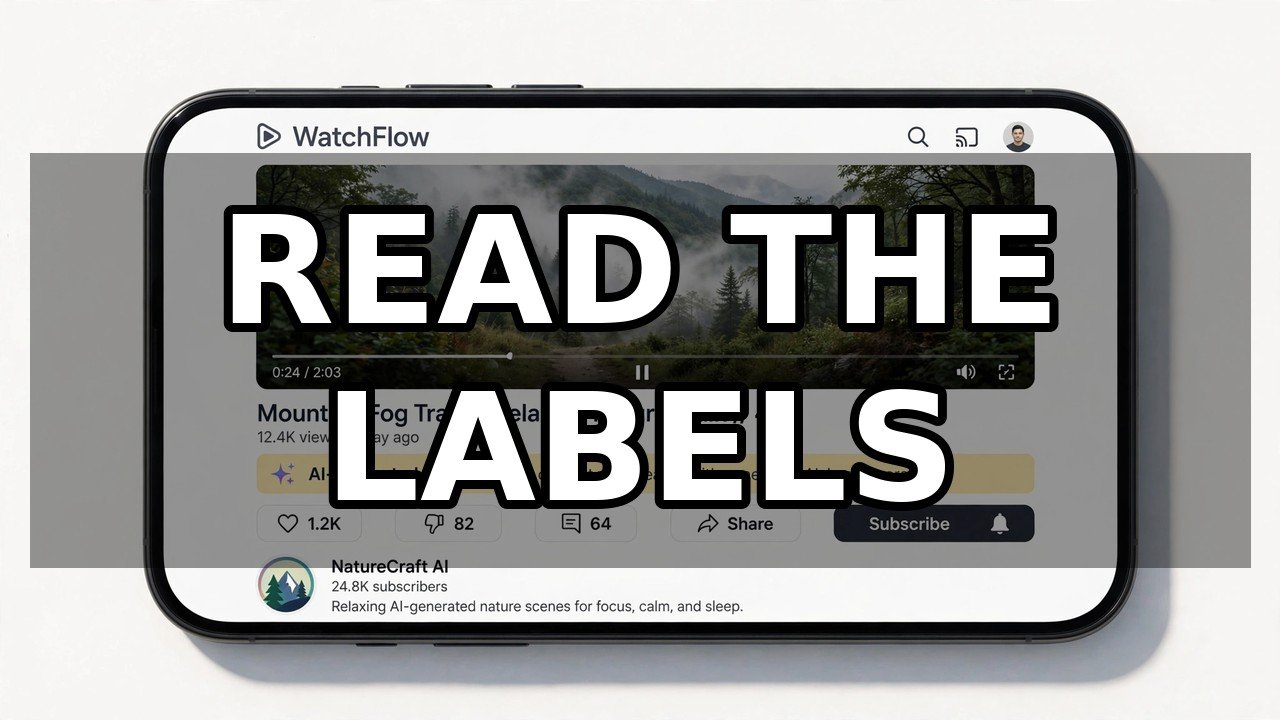
- YouTube now auto-labels AI-generated videos and requires creators to disclose altered content.
- TikTok requires its AI-generated content toggle on synthetic videos and labels them for viewers.
- Meta’s platforms apply AI-content labels across Facebook, Instagram, and Threads.
One caution: labels depend on honest disclosure or successful automated detection. A missing label doesn’t prove a video is real — it only proves nobody flagged it.
Use a Free AI Video Detector
When observation and labels leave you unsure, run the video through a detection tool. Dubai’s SARAAB deepfake detector, unveiled in September 2026, is scheduled for open-source release by the end of the year. Right now, you can already check suspicious clips with the free AI video detector on this site — upload the video and get an analysis in seconds, no account or payment needed.
The Golden Rule: Verify Before You Share
Before you share a video that surprises, outrages, or delights you — especially one making claims about a real person or event — pause for sixty seconds. Run through the seven signs. Check for a label. Run it through a detector. Then decide. In 2026, “I saw a video” is no longer evidence of anything.
Frequently Asked Questions
Can you always spot an AI-generated video by eye?
No. The best 2026-era AI video is visually flawless to most viewers. Visual inspection catches many fakes but should be combined with provenance checks and detection tools for anything important.
What is the most reliable way to detect AI video?
Layered verification: check provenance and source first, look for platform AI labels, inspect for the visual tells above, and run the clip through an AI video detector.
Do platforms label AI-generated videos automatically?
Increasingly, yes. YouTube auto-labels AI-generated content, TikTok labels videos with its AI-generated toggle, and Meta applies labels across its apps. But absence of a label isn’t proof of authenticity.
Are AI video detection tools free?
Many are. The free detector on this site analyzes uploads at no cost, and open-source models like Dubai’s SARAAB are scheduled for public release.
Put it to the test
Have a video you are unsure about? Scan it free — right in your browser.
⚡ Scan a Video Now